
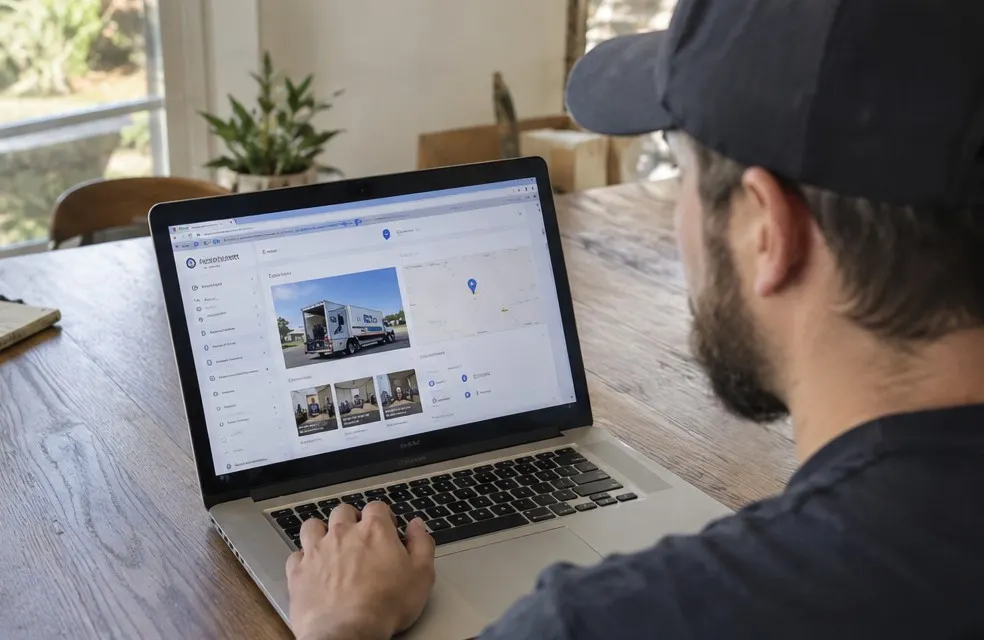
Your Google Business Profile is the listing that shows up in the map pack when someone searches "movers near me". For a small moving company, it is often the biggest source of calls, and it is free. Here is how to set it up and keep it working.
1. Claim and verify it
Go to Google Business Profile, search for your company name and claim it, or create a new one. Google will ask you to verify, often with a video of your truck, your equipment and your business documents. Have those ready.
2. Pick the right category
- Primary category: "Moving company"
- Secondary categories, only if true: "Mover", "Moving and storage service", "Piano moving service", "Packing service"
Do not add categories for things you do not do. It confuses Google and customers.
3. Set your service area
Moving companies are service area businesses. If you do not have a public office customers visit, hide your address and list the cities or ZIP codes you actually serve. Pick the area you can reach in about 30 to 45 minutes, not the whole state.
4. Fill in every field
- Business name: your real name only. Adding keywords like "Best Cheap Movers Raleigh" can get your profile suspended
- Phone: a local number that gets answered
- Website: your home page, or a town page if you serve several areas
- Hours: the hours you answer the phone
- Description: what you move, where, and what makes you different, in plain words
5. Add your services with prices
List each service: local moves, apartment moves, labor-only loading, packing, piano and safe moves. Add a short description and a "from" price where you can, such as "Local moves from $480" or "Two movers and a truck, $140 an hour". Prices help people choose you before they call.
6. Upload real photos
Photos are one of the strongest signals for movers, because they show customers who will be in their home:
- Your trucks, clean and lettered
- Your crew in uniform, wrapping furniture and using dollies
- A neatly loaded truck
- Before and after shots of a room set up in the new home
Add a few new photos every month.
7. Get reviews and answer them
Reviews are the biggest factor you control. Ask every customer the day after the move and reply to every review. See Google reviews for movers.
Keep the profile and the website in sync
Your name, phone number, service area and hours should match everywhere: your profile, your website, your truck and any directory listing. Small differences, like an old phone number on one site, make Google less sure about which details are right.
8. Post updates
Google lets you publish short posts. Use them for useful things: "Booking for the end of the month? Our Saturdays fill first", a packing tip, a photo of a recent move. Once or twice a month is enough.
9. Answer questions and messages
People ask questions on your profile, like "Do you move pianos?" or "Do you do labor only?". Answer them, and add the common ones yourself with the answers.
10. Use the booking and messaging links
If your website lets customers pick a date, add that booking link to your profile. Turn on messaging only if someone will answer quickly; a message that sits unanswered for a day hurts more than no message button at all.
11. Keep it current through the year
Update your hours for holidays, add new service towns as you grow and refresh your photos when you get a new truck or new uniforms. Google notices profiles that stay active, and so do customers.
Mistakes that cost movers rankings
- Fake addresses or virtual offices. Google suspends profiles for this
- Keyword stuffing the name
- A phone number that goes to voicemail
- No reviews in months
- A website link to a page with no prices and no town information
Link it to a website that converts
Your profile brings the click; your website closes the booking. A moving company website with a price by home size, a page for each town and a way to pick a date turns profile visits into booked moves. Then read the moving company website checklist.
Frequently asked questions
What category should a moving company use on Google?
Use "Moving company" as the primary category. Add secondary categories like "Packing service" or "Piano moving service" only if you offer them.
Should movers show their address on Google?
Only if customers visit your office. Most small movers are service area businesses and should hide the address and list the areas they serve.